Paste an article. Get an infographic that fits it.
It reads your text, recommends a style and a layout that fit it, and generates one complete infographic. Ask for a series and every image after the first follows the first one’s look.
Built by Atharva Shah. Infographic Maker costs $19, paid once. Buy Infographic Maker. The skill folder and setup guide arrive by email.
Infographic Maker at a glance
Infographic Maker is an AI agent skill for Claude Code, Codex CLI, Gemini CLI, and other agents that read SKILL.md. One infographic or a matched series, with the style and layout picked to fit your content. Best for: AI infographic generator.
- Works with
- Claude Code, Codex CLI, Gemini CLI, Cursor, GitHub Copilot
- Category
- Everyday social
- Price
- $19, one payment
- Requirements
- Needs a paid Claude plan with Claude Code, plus a Google Gemini API key for the image model, which bills per image. Text inside images is in English.
- Included
- 5 styles and 7 layouts, 12 ready presets, Single image or series, Saved preferences file
What Infographic Maker produces
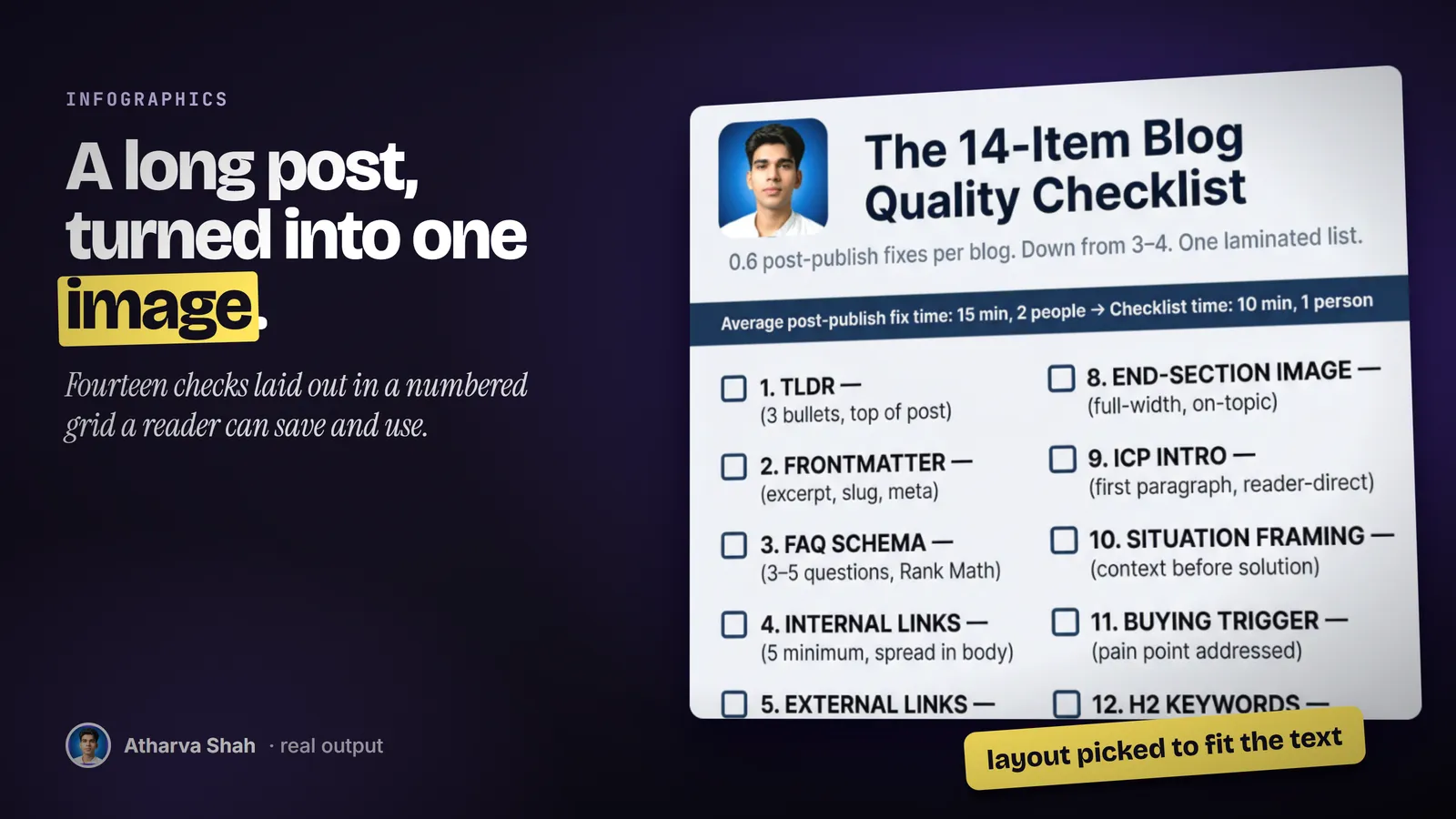
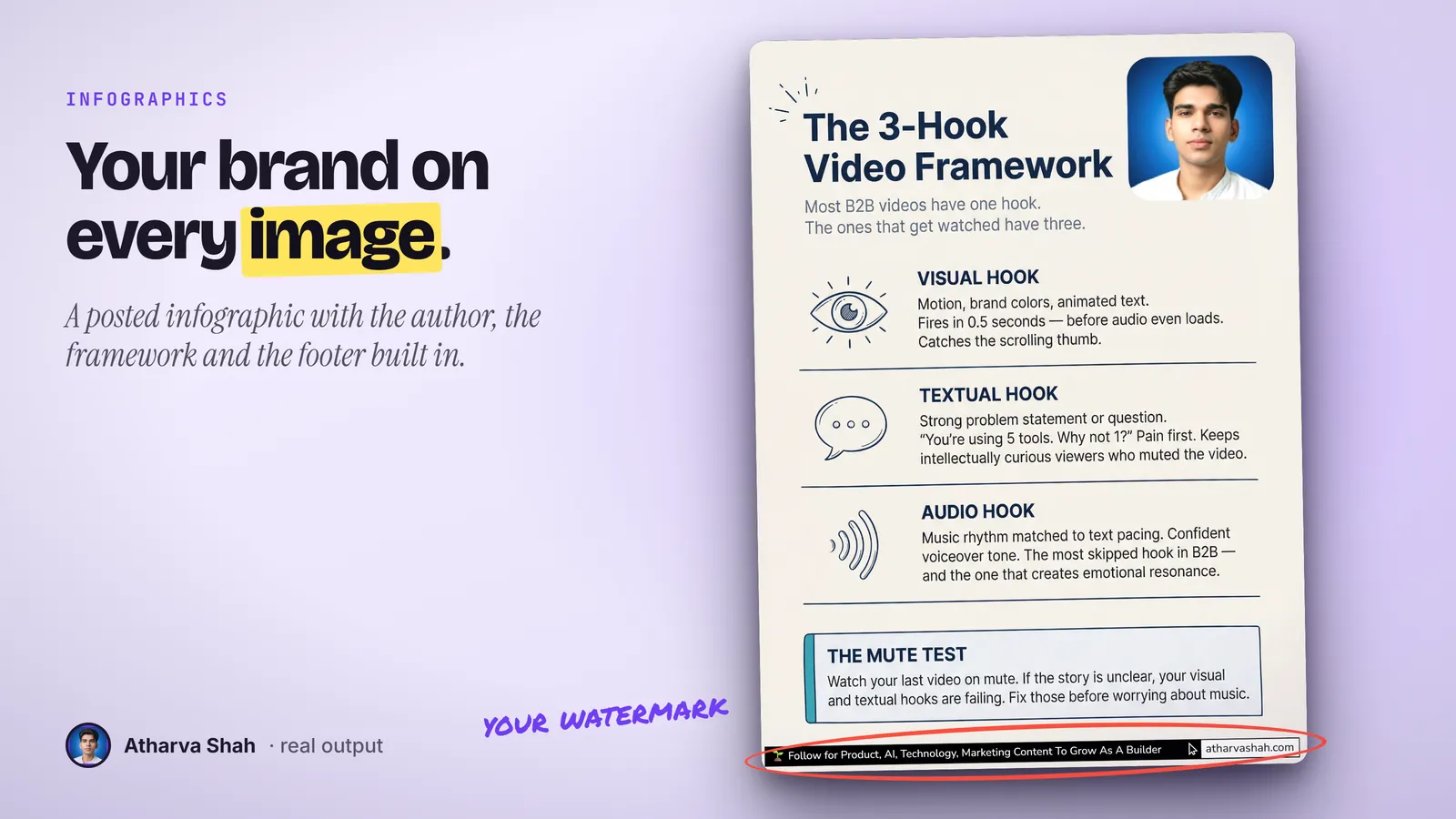
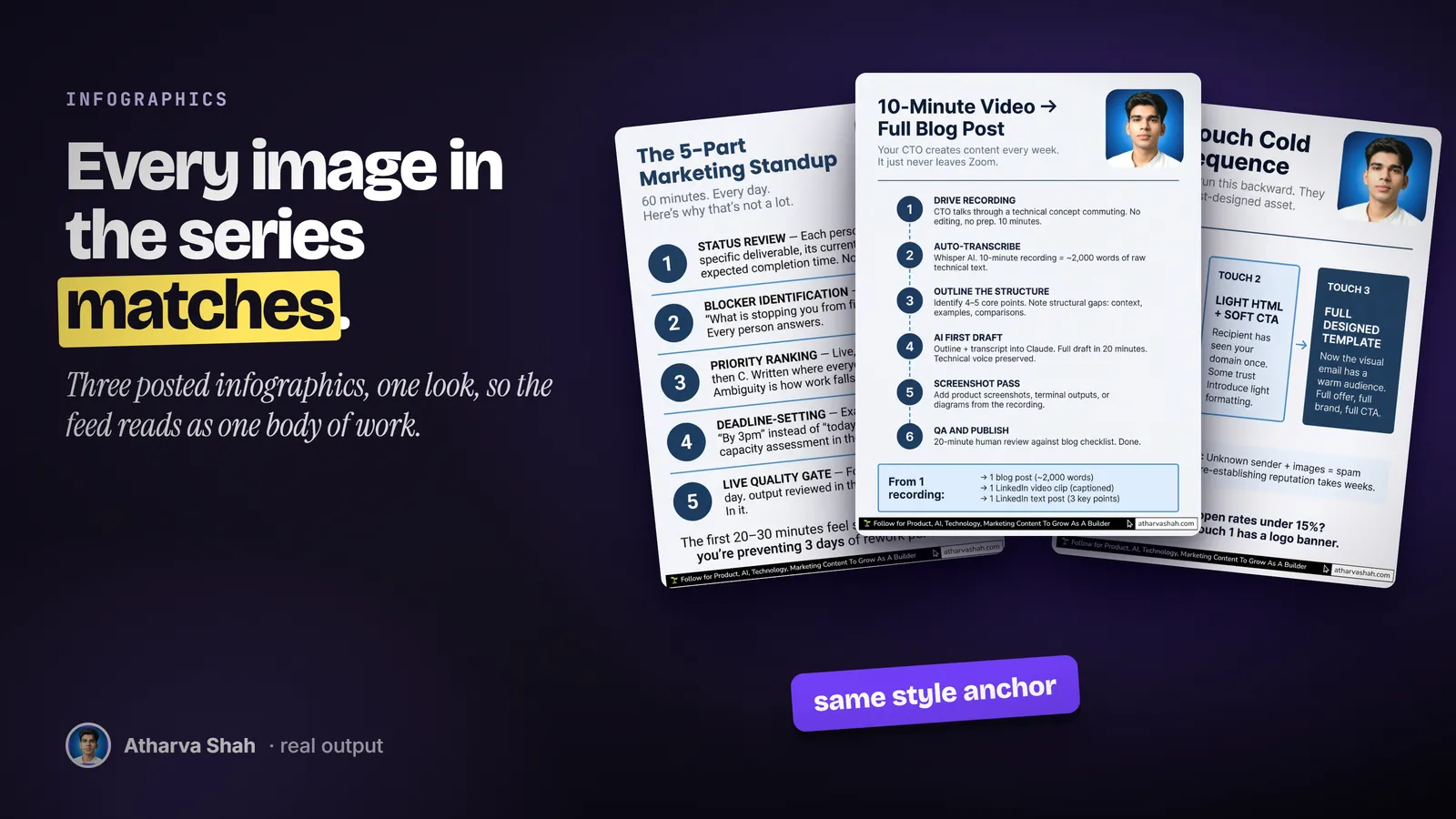
Text in. A designed infographic out.
Set your watermark and your favorite style once. Then every infographic takes three steps.
- Paste the content. An article, a list, meeting notes, or a thread. It sorts the content by type, audience, and key points before it thinks about visuals.
- Confirm or change the plan. Accept the recommendation in one click, or pick a different style and layout. For a series, you can ask for three outline options and choose one.
- Get the images. It writes the image prompt, saves it, and generates the picture at 3 by 4. In a series, the first image sets the look for the rest.
Image generators do not read your content.
A text-to-image app draws what you describe. Somebody still has to decide what goes on the picture and how it is arranged.
Infographic Maker
- Reads the content first. Type, audience, and key points drive the plan.
- Layout per idea. Flow for steps, quadrant for frameworks, list for rankings.
- Consistent series. The first image anchors the look of the rest.
- Saved prompts. Every image can be edited and rebuilt later.
Image generator apps
- You write the prompt. Turning an article into a picture brief is the hard part.
- No structure. Steps, comparisons, and rankings all come out as a poster.
- Series drift. Image four looks like a different artist drew it.
- Lost prompts. You cannot rebuild the image you liked last month.
Designers and template tools
- Days per graphic. The post waits on the picture.
- Template sameness. Your graphic looks like the one above it in the feed.
- You summarize first. The designer needs the key points written out.
- A fee per graphic. The bill grows with every post.
It remembers your style between sessions.
The first run asks for your default style and your watermark text, then saves them in a preferences file. You can add a custom style with your brand colors, fonts, and visual elements, and it uses that style whenever the content fits. Explicit choices always beat the recommendation.
Questions about Infographic Maker
Can ChatGPT or Claude generate an infographic?
They can plan one. This skill also renders it: it picks the style and layout for your content and generates the image through a Gemini image key.
What is the best AI for creating infographics?
Design tools work from templates. This skill works from your article, so the structure follows the content rather than a fixed layout.
Which Claude plan do I need?
A paid plan with Claude Code, because it saves files and calls the image model from your machine. Pro is enough.
What else do I pay for?
Image generation runs through the Google Gemini image model with your own API key. Google bills per image, so check its current price before a large series.
What styles does it offer?
Minimal, notion-style line art, chalkboard, handwritten study notes, and screen-print poster art. You can add your own style with brand colors.
What layouts does it offer?
Sparse, balanced, list, comparison, flow, mind map, and quadrant. It recommends the one that fits your content.
Does it make one image or a series?
One complete infographic by default. Ask for a series and it plans a cover, content images, and an ending, from 2 to 10 images.
How does a series stay consistent?
It generates the cover first and uses it as the style reference for every image after it.
Can I put my logo or site on it?
You set a watermark text once, such as your site address, and it goes on every image.
Is the text in the image always correct?
Image models can still misspell a word. Check each image before you post, and ask for a regenerate when a word is wrong.
What if the first image misses?
Say what is wrong. It updates the saved prompt first, then generates again, so the fix stays on record.
Does this skill work with Gemini CLI, Codex, Cursor, or GitHub Copilot?
Yes, with one caveat. The skill is a SKILL.md folder in the Agent Skills open standard, which Claude Code, Codex CLI, Gemini CLI, Cursor, and GitHub Copilot all load. It is built and tested on Claude Code. Steps that lean on Claude-only features, such as parallel subagents, run one after another or need a manual step in other agents.
How do I install an agent skill?
Copy the skill folder into your agent's skills directory: ~/.claude/skills for Claude Code, or the skills folder your agent documents for Codex CLI, Gemini CLI, Cursor, or Copilot. The agent reads the description and loads the skill when your request matches it. Each skill ships with a setup guide for any tool it needs.
Related skills
- LinkedIn Posts: Posts in your voice that pick a proven format before they write a single line.
- LinkedIn Carousels: Swipeable carousels with every slide exported as a PNG from one brief.
- X Posts: Standalone X posts with your take in the first six words, scored before you see them.
- Substack Notes: Short Notes written to bring new subscribers, not just likes from existing ones.