Ask for a deck. Get one HTML file that presents.
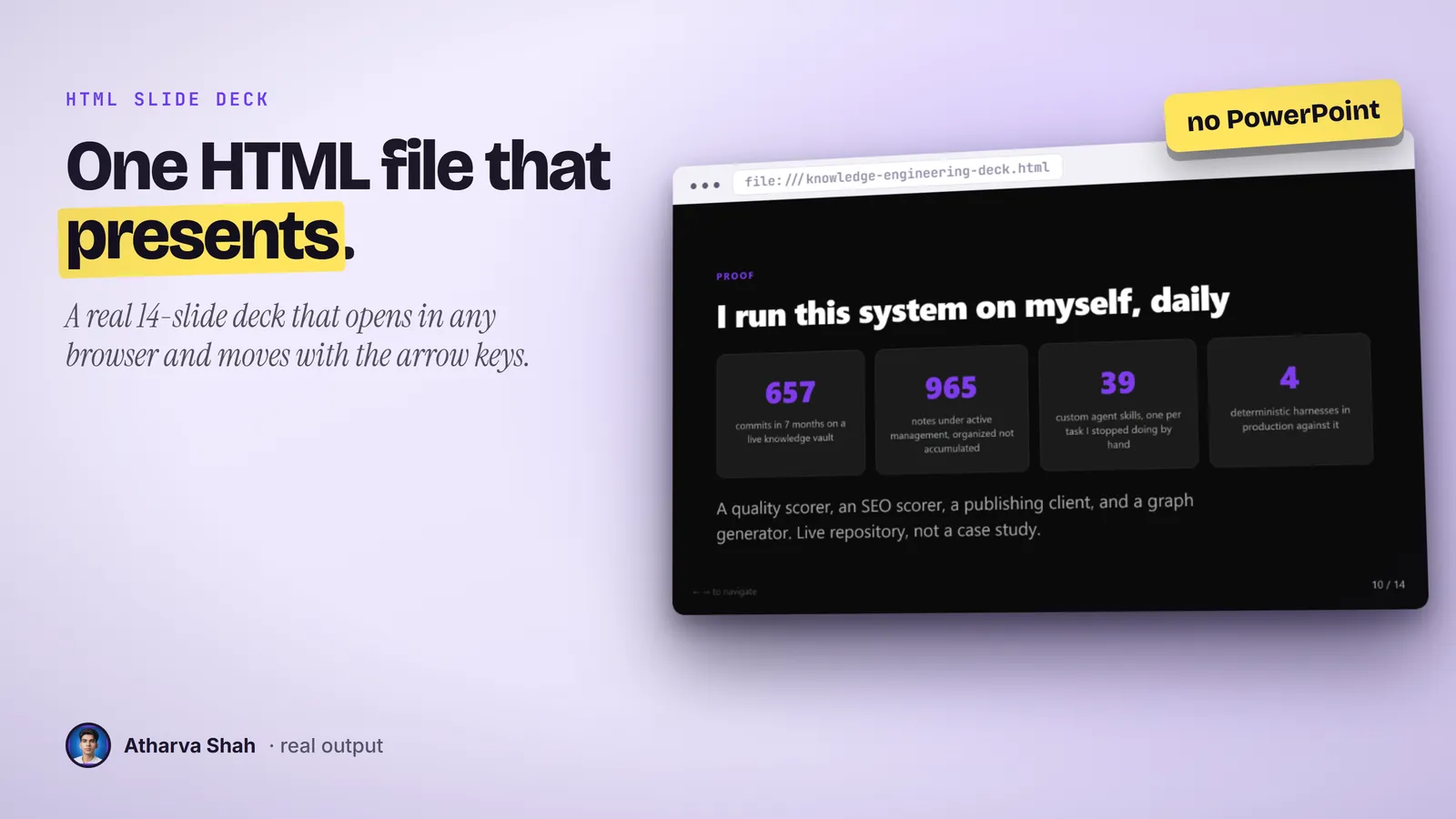
Describe the talk and Claude writes a full slide deck as a single HTML file. Open it in any browser, press the arrow keys, and present with no PowerPoint, no install, and no internet.
Built by Atharva Shah. HTML Slide Deck costs $19, paid once. Buy HTML Slide Deck. The skill folder and setup guide arrive by email.
HTML Slide Deck at a glance
HTML Slide Deck is an AI agent skill for Claude Code, Codex CLI, Gemini CLI, and other agents that read SKILL.md. One self-contained HTML file that presents with arrow keys. No PowerPoint needed. Best for: Claude HTML slides skill.
- Works with
- Claude Code, Codex CLI, Gemini CLI, Cursor, GitHub Copilot
- Category
- Visuals and decks
- Price
- $19, one payment
- Requirements
- Needs a Claude plan that can create files, such as Claude Code or Claude with file output. Decks run from 5 to 15 slides by design.
- Included
- Ten visual components, Arrow-key navigation, Speaker notes on request, Works offline
What HTML Slide Deck produces
If you can say what the talk is about, you have a deck.
There is no template to pick and no app to open. Every deck takes the same three steps.
- Say what the deck is for. Name the topic, the audience, and how many slides you want. Give it your brand color if you have one.
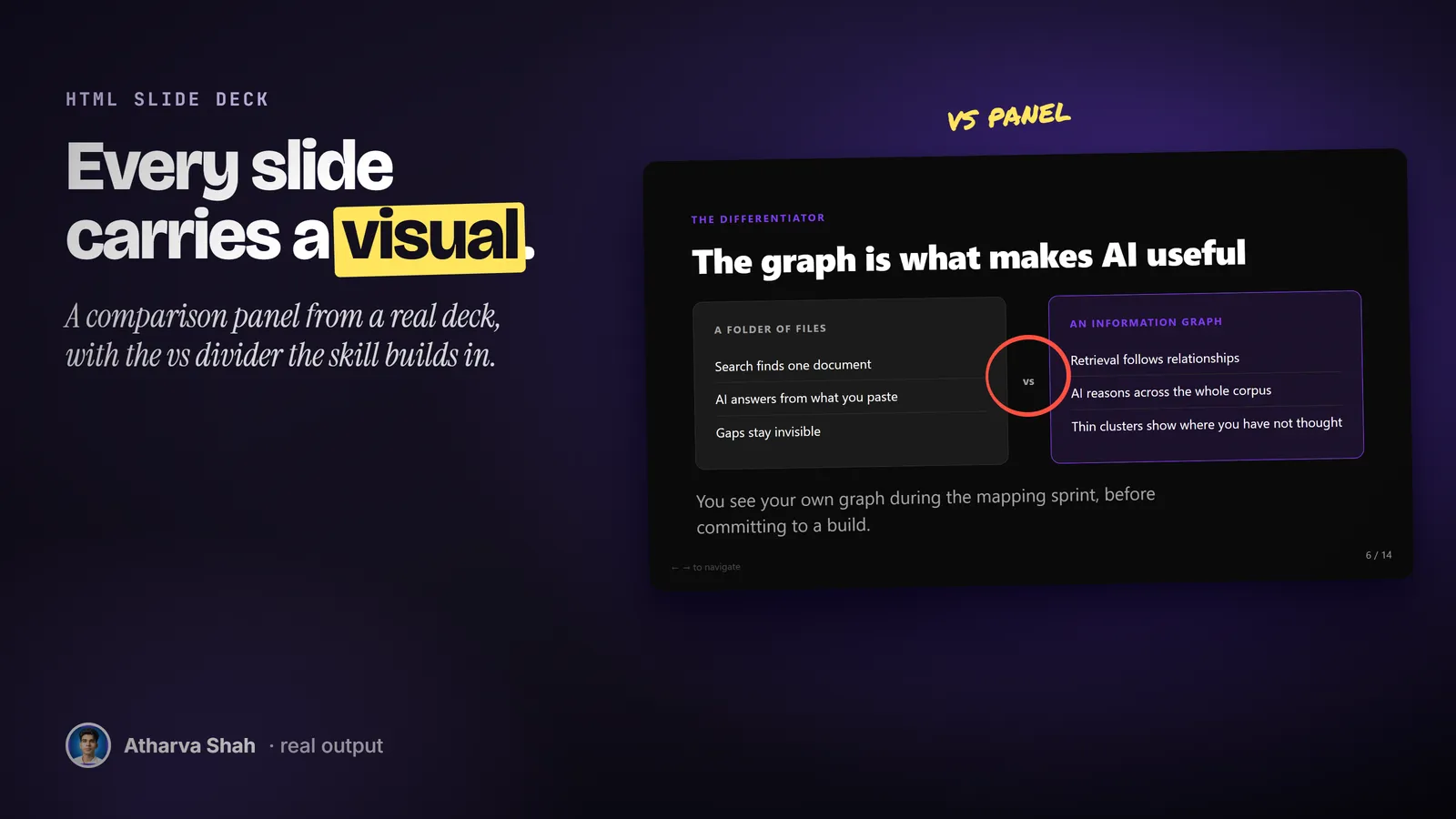
- It writes the whole deck. Every slide gets one idea and a visual: a card grid, a stat, a timeline, a step flow, or a comparison. Text-only slides are not allowed.
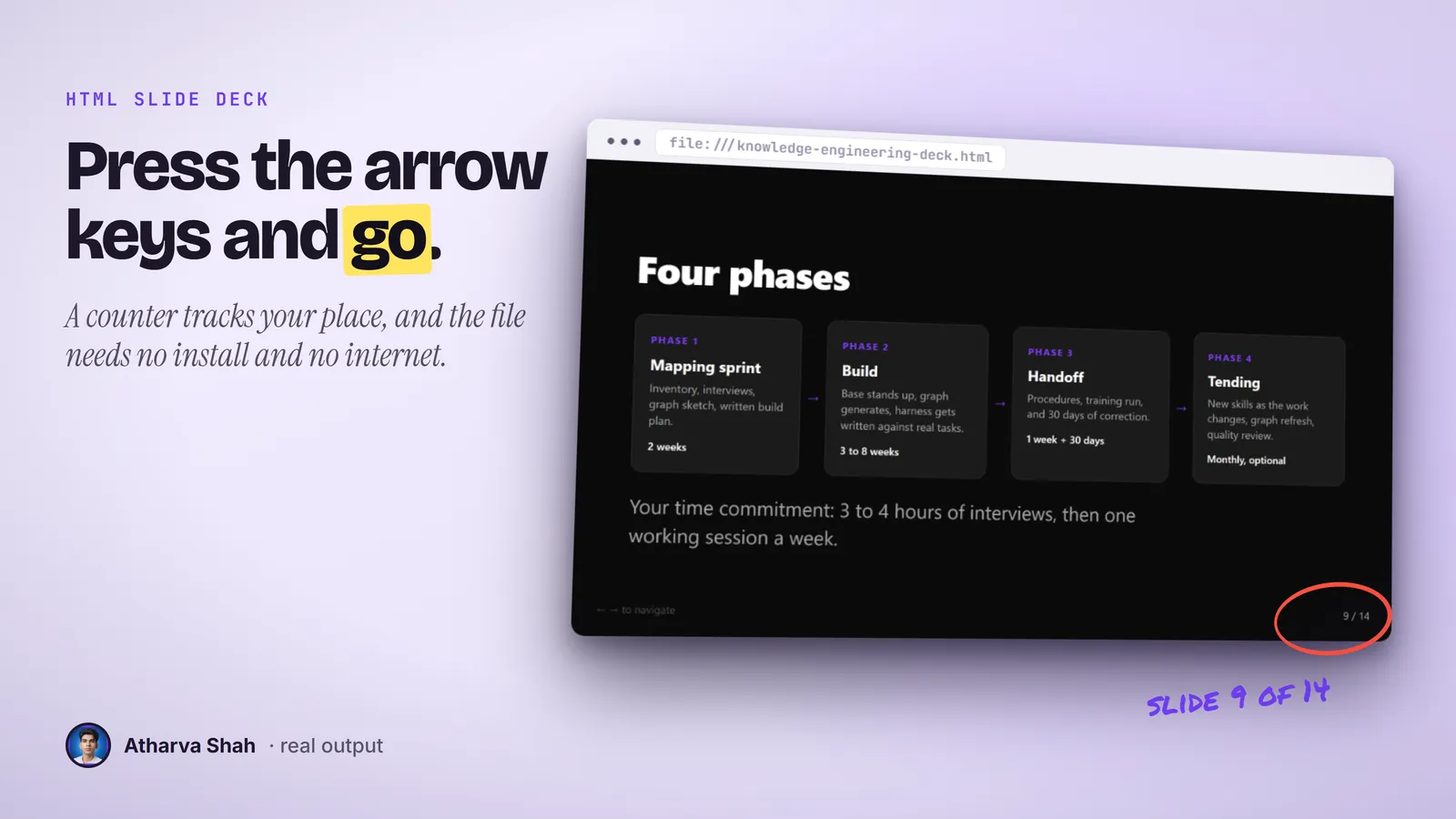
- Open it and present. Double-click the file. Arrow keys move the slides and a counter shows where you are. Email it, and it opens the same way on any laptop.
Slide apps make you design before you think.
PowerPoint wants a template. Online deck tools want a login and a monthly plan.
HTML Slide Deck
- One file, any browser. It opens the same on every machine, with no internet.
- A visual on every slide. Ten component types, picked to match each idea.
- Thirty words at most. Each slide carries one idea in big type.
- One payment. Plus the Claude plan you already use.
PowerPoint and Keynote
- Layout eats the hour. You nudge boxes when you meant to write the talk.
- Bullet habits. The default slide invites a wall of bullets.
- Version trouble. The file looks different on the conference laptop.
- A license to open it. Your audience needs the app to see the deck.
Online AI deck apps
- Another monthly plan. Stacked on the tools you already pay for.
- Locked in their app. Export costs extra or loses the layout.
- Generic stock look. Same themes as every other deck in the meeting.
- Needs a connection. Bad venue Wi-Fi means no slides.
Every deck carries your color and your point.
Give it your brand color and it becomes the accent on every number and highlight. Tell it your audience and it sets the depth. Ask for speaker notes and you get talking points beside each slide. The file is plain HTML, so you or a developer can change anything in it later.
Questions about HTML Slide Deck
What is an HTML skill in Claude?
It is a SKILL.md folder that teaches Claude to output a full presentation as one HTML file. This one needs no PowerPoint, no CDN, and no toolchain, and it opens in any browser.
What do I need to present the deck?
Any modern browser. Double-click the file, press the right arrow, and you are presenting. It needs no internet.
Can I edit the slides after?
Yes. Ask Claude for the change and it rewrites the file. The file is plain HTML, so you can also edit the text by hand.
Does it make a .pptx file?
No. It makes one HTML file. If you need PowerPoint, the Talk Deck Builder skill makes a real .pptx.
How many slides can it make?
Between 5 and 15. Past 15, a talk loses the room, so the skill caps it there. Split a long talk into two decks.
Which Claude plan do I need?
Any plan that lets Claude write files. Claude Code on Pro is the simplest route.
What else do I pay for?
Nothing. The deck has no fonts, libraries, or images to download.
Can I add my own screenshots?
The deck ships with image placeholders and captions. You drop your screenshot into the placeholder, or ask Claude to add the file path.
Will it match my brand?
It uses your brand color as the one accent on a dark background. For a full brand kit with fonts and logos, give it the details and ask.
What if my first deck is not great?
Tell it which slide is weak and why. One-line notes like "slide 4 needs a number" get a fixed file in seconds.
Does this skill work with Gemini CLI, Codex, Cursor, or GitHub Copilot?
Yes, with one caveat. The skill is a SKILL.md folder in the Agent Skills open standard, which Claude Code, Codex CLI, Gemini CLI, Cursor, and GitHub Copilot all load. It is built and tested on Claude Code. Steps that lean on Claude-only features, such as parallel subagents, run one after another or need a manual step in other agents.
How do I install an agent skill?
Copy the skill folder into your agent's skills directory: ~/.claude/skills for Claude Code, or the skills folder your agent documents for Codex CLI, Gemini CLI, Cursor, or Copilot. The agent reads the description and loads the skill when your request matches it. Each skill ships with a setup guide for any tool it needs.
Related skills
- Social Card Studio: Designed post images built from real screenshots and real output, rendered at 2x.
- TLDR One-Pager: Compresses a video, an article, or a PDF into one editorial page you can post.
- Terminal Diagrams: Dense monospace system maps and flowcharts from a one-line prompt, dark and light.
- Photo Carousel Planner: A raw camera roll becomes graded, grouped, captioned carousels on a posting schedule.